New Relic

New Relic is a cloud-based observability platform delivering full-stack monitoring for applications, infrastructure, logs and metrics. It ingests real-time telemetry—metrics, logs, traces and events—to help DevOps and engineering teams detect anomalies and troubleshoot faster. By transforming raw data into actionable insights, New Relic drives performance optimization and seamless digital experiences.
Configuration
| Name | Type | Description |
|---|---|---|
base_url |
string |
Base URL |
api_key |
string |
API key |
Actions
Make NRQL query
Query New Relic data with NRQL
Arguments
| Name | Type | Description |
|---|---|---|
account_ids |
array |
Account identifiers to use |
query |
string |
The NRQL to execute |
save_to_file |
boolean |
Whether to save response as a file |
Outputs
| Name | Type | Description |
|---|---|---|
results |
array |
The results of the NRQL query |
file_path |
string |
Path of the file with results of the NRQL query |
Set up
How to create an API Key
- Log in to the New Relic Console
-
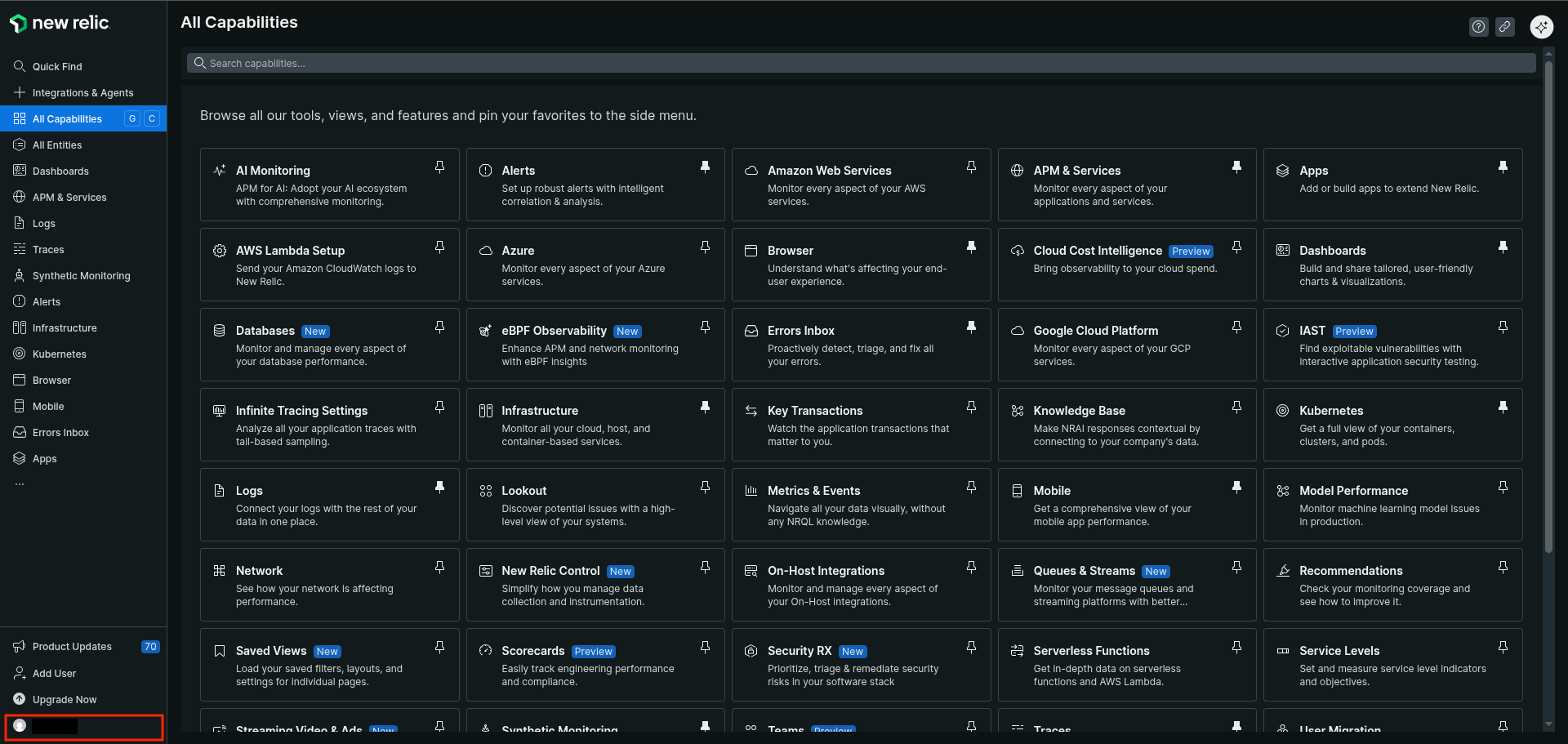
Click your avatar
-
Go to
API Keys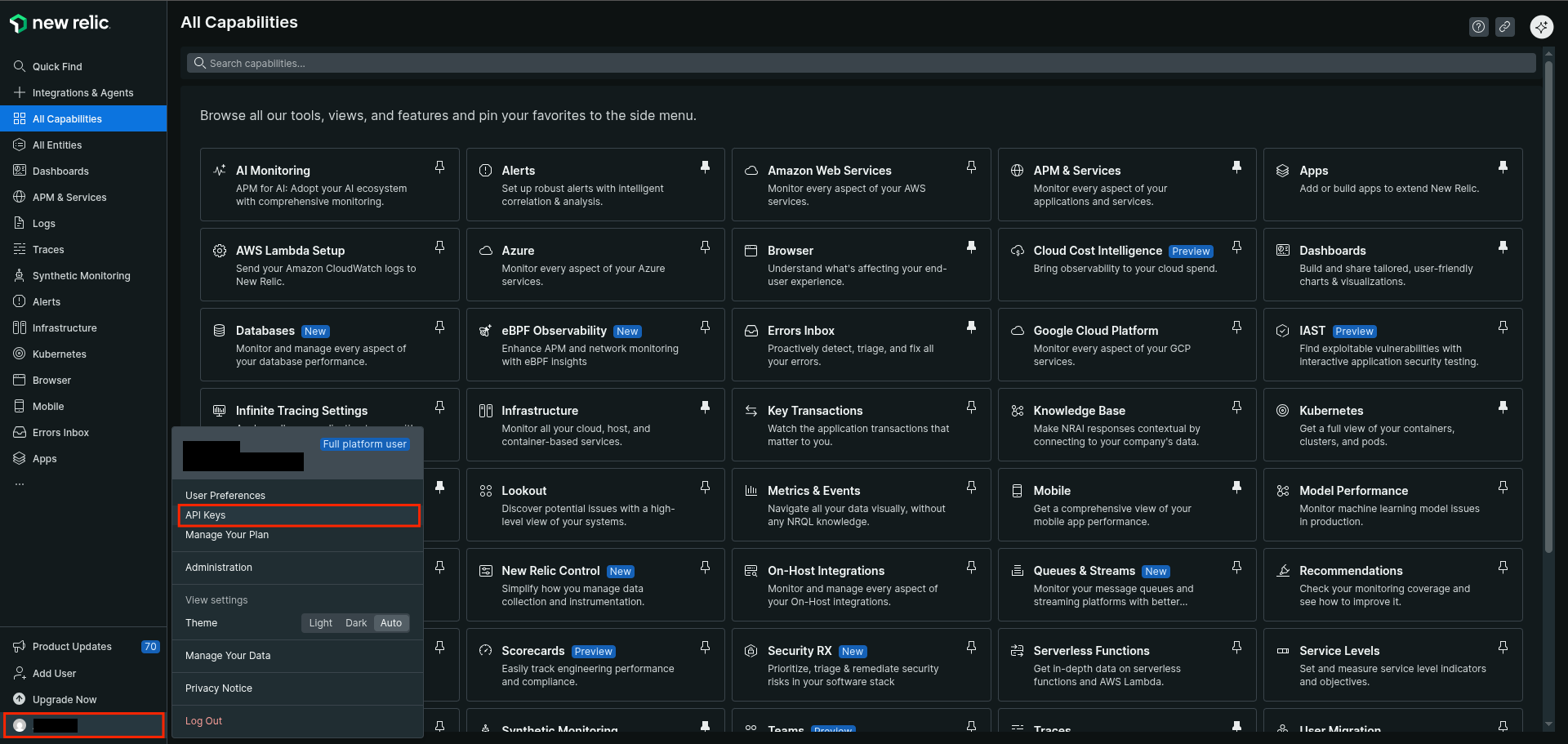
-
Click
Create a Key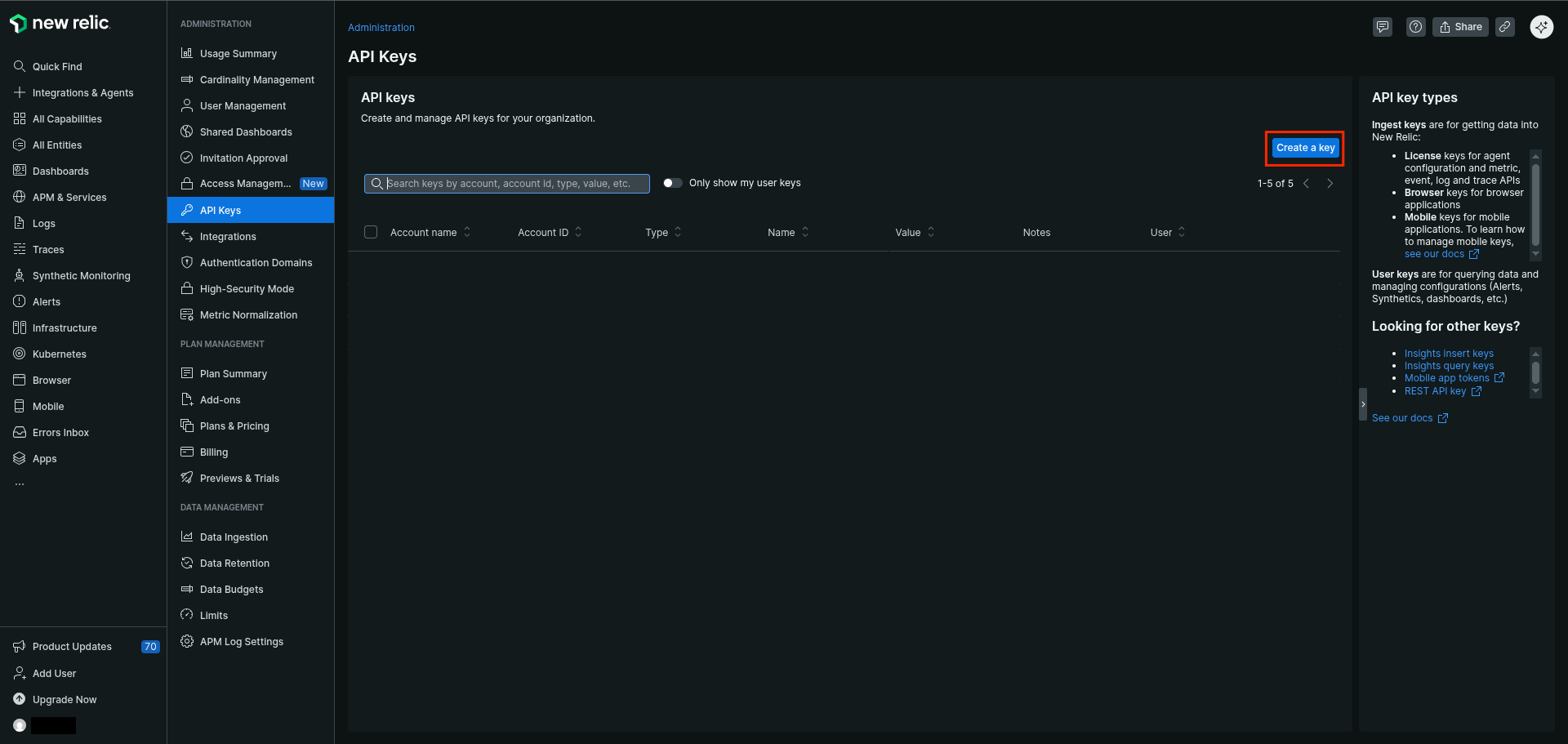
-
Select the account to use
- Select
Useras Key type - Type a name for the Key
- Type a notes (Optional)
-
Click
Create a key
-
Click
Copy Keyand save it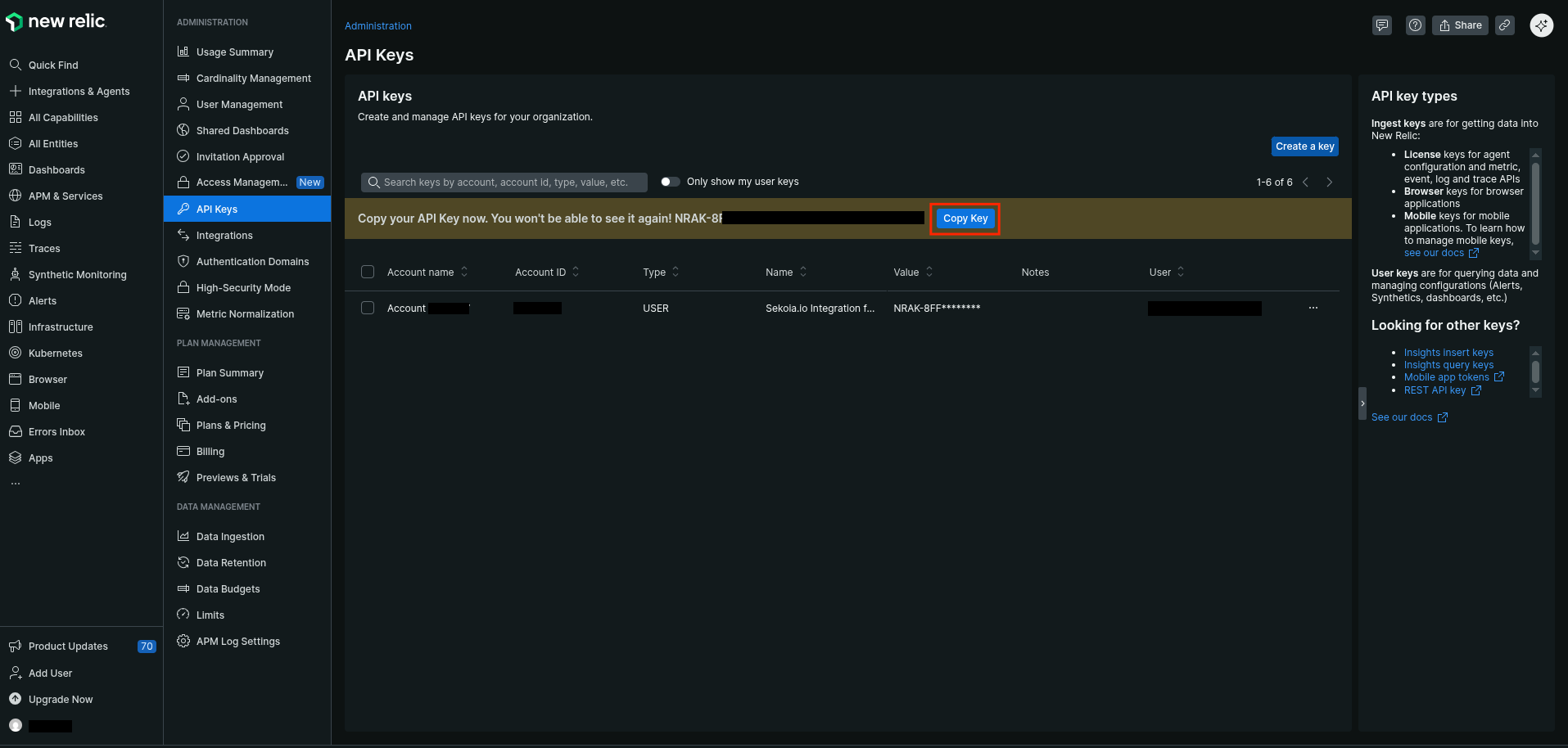
Extra
Module New Relic v1.1.1