Subscription notifications
Sekoia automatically sends notifications to administrators when a subscription is approaching expiration or has expired. Notifications are delivered by email and, in some cases, through in-app banners.
No real-time processing
Sekoia evaluates subscription status changes through scheduled daily processes. Notifications are not sent in real time, except when triggered by a manual operation.
Admin-only notifications
Only users with the Admin role receive subscription-related email notifications.
Expired license notifications
When a subscription expires, Sekoia sends an email to the administrators of the affected community to inform them that the license is inactive.
The system checks for license expiration daily at 02:00 UTC. If an expired license is detected during this check, the notification is sent automatically.
Nearly expired license notifications
To help you anticipate renewals, Sekoia notifies you when a license is approaching its expiration date. These notifications are evaluated daily at around 08:00 UTC and use two channels:
- Email notifications
- In-app banners, displayed at the top of the application
The in-app banner appears on the same day as the email notification.
Workspace admins
You receive a notification when at least one managed community has a subscription close to expiration:
- Long-term licenses (duration greater than 100 days): notification sent when fewer than 90 days remain
- Short-term licenses (duration of 100 days or less): notification sent when fewer than 10 days remain
These notifications give you a consolidated view of upcoming expirations across all managed communities.
Community admins
You receive a notification when your community subscription is close to expiration:
- Long-term licenses (duration greater than 100 days): notification sent when fewer than 30 days remain
- Short-term licenses (duration of 100 days or less): notification sent when fewer than 5 days remain
In-app banner behavior
When a nearly expired license notification is triggered, an in-app banner appears at the top of the application.
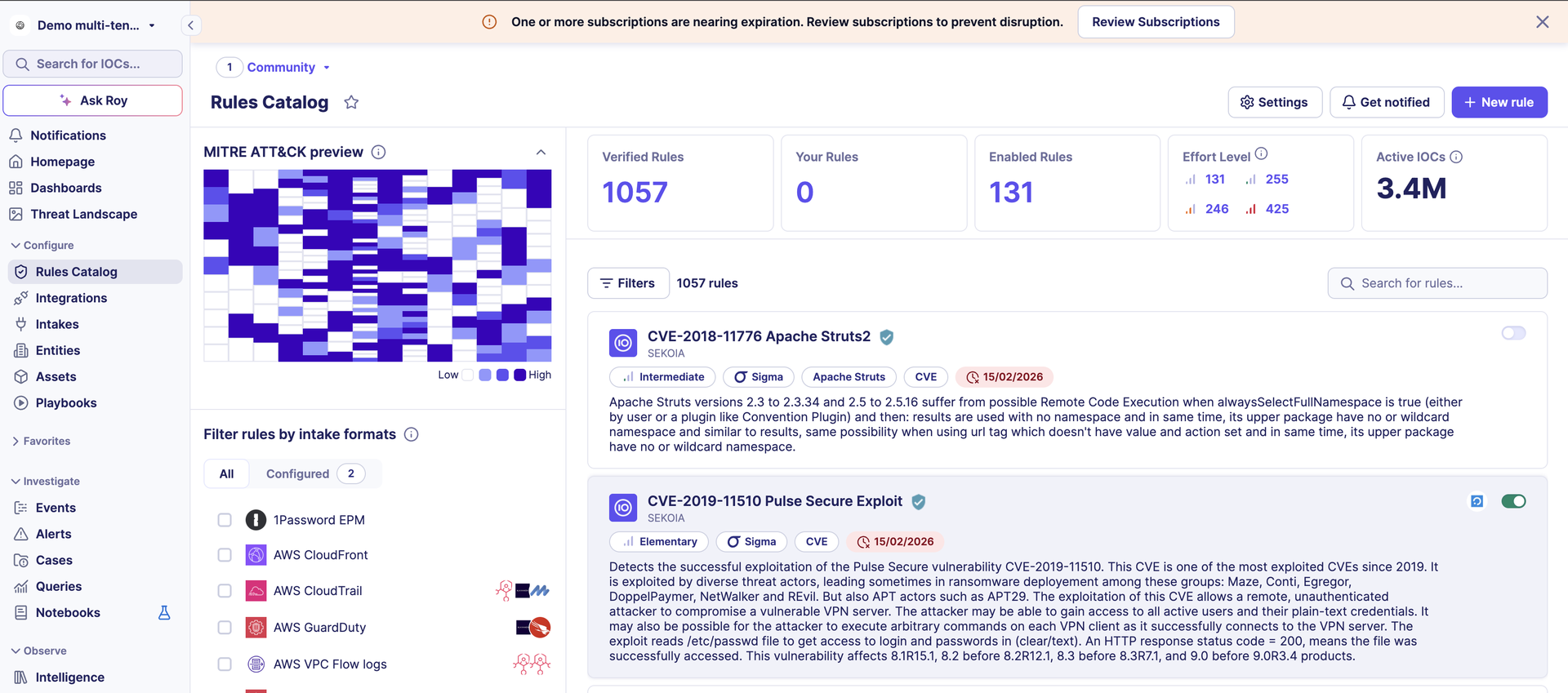
The banner is displayed to:
- Community admins of communities with a nearly expired license
- Workspace admins of workspaces containing one or more communities with a nearly expired license
You can dismiss the banner from the interface. This dismissal is temporary:
- The banner stays hidden until the next daily recomputation
- If the license is still nearly expired after recomputation, the banner reappears the next day
This behavior ensures the notification remains visible until the situation is resolved, while letting you temporarily hide the message.
Notification schedule
| Event | Recipient | Condition | Evaluation time (UTC) |
|---|---|---|---|
| License expired | Community admins | License end date reached | Daily at 02:00 |
| Nearly expired | Workspace admins | Less than 90 days remaining (or less than 10 days if license is 100 days or less) | Daily at ~08:00 |
| Nearly expired | Community admins | Less than 30 days remaining (or less than 5 days if license is 100 days or less) | Daily at ~08:00 |
Related links
- Subscriptions: An overview of the Subscriptions page, including access requirements, subscription details, and trial specifications for single-tenant and MSSP communities.
- Allocate a trial subscription: Step-by-step instructions for manually assigning a trial subscription to a community from the MSSP workspace.